Summarize case files
Pull key events into a timeline you can check against the record.


Desktop AI for Law Firms
Compare contracts, summarize case files, and draft client updates in Sylvana for Windows.
500 trial credits · No card required

Pull key events into a timeline you can check against the record.
Turn matter notes into a first draft you can review and send.


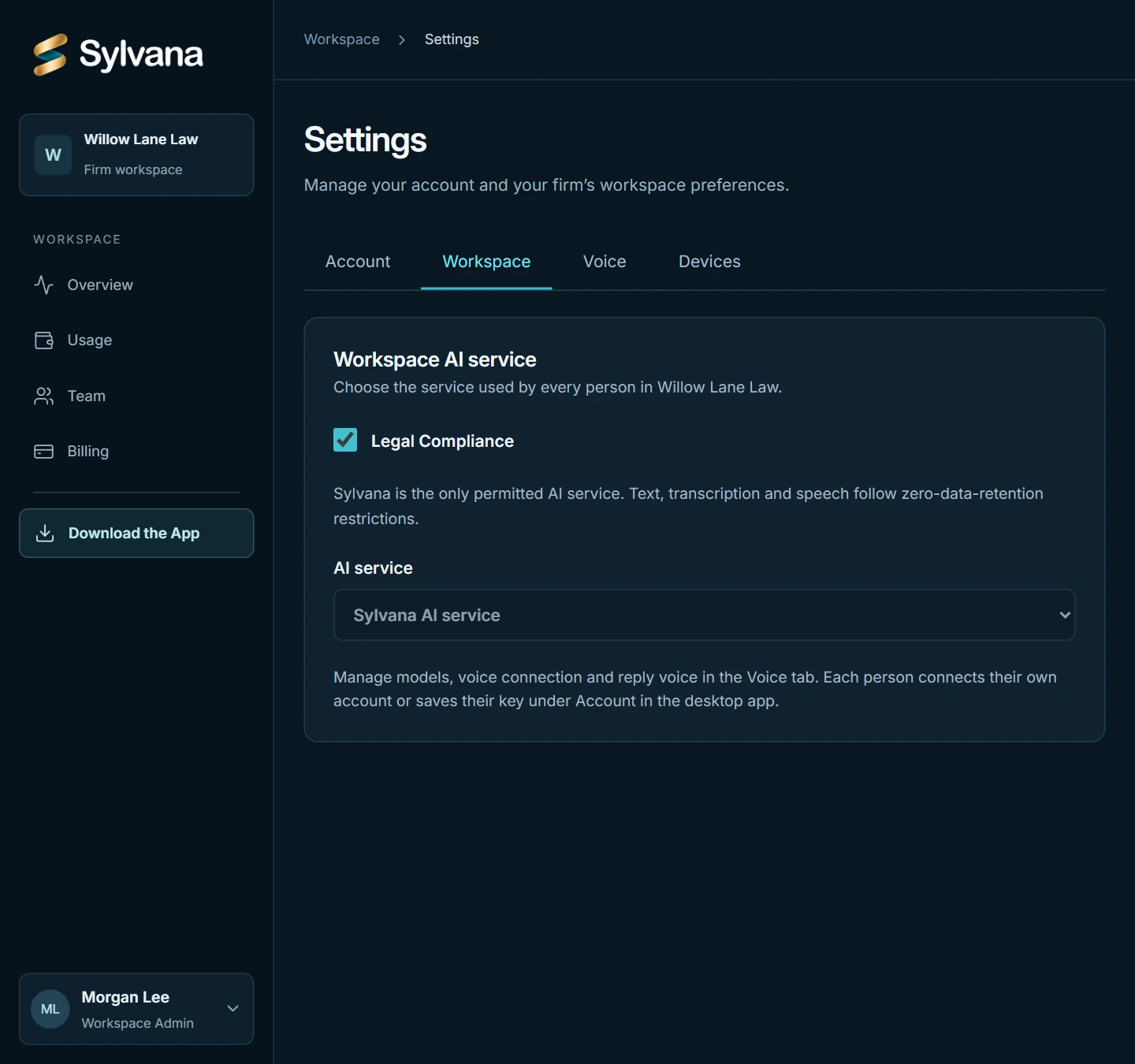
Turn on Legal Compliance to limit managed AI requests to endpoints eligible for zero data retention.
$200/month
Includes the first seat
Additional seats from $50 per seat per month
Start your 3-day free trial500 trial credits · No card required
Ask an agent to compare two versions of an agreement, build a timeline from case files, or turn matter notes into a draft client email. Your team reviews the work before relying on it or sending it to a client. See examples in Sylvana.
Yes. Give an agent its own instructions and assign reference documents. For example, set up an agent to review NDAs against your firm’s checklist or draft case updates using your preferred format.
Use a Windows PC with hardware virtualization enabled. Download Sylvana from your account. The installer sets up Windows Subsystem for Linux 2 (WSL 2).
After verifying your email and setting up your workspace, start the trial in your account. You get 500 credits for three days. A paid subscription requires a separate checkout.
Use trial credits for supported text, voice, and image work. Credit use depends on the model, material, and service.
Sylvana sends selected content for the processing you request. Saved chats and workspace documents stay in your desktop profile. See what the account service stores separately.
With Legal Compliance enabled, Sylvana routes managed text, voice, and image requests to eligible endpoints. Video is unavailable in this mode. The routing partner screens requests in transit for child safety and may retain flagged material for review, reporting, or legal preservation. Read about retention and its exceptions.
With Legal Compliance disabled by the firm owner, saved ChatGPT and direct API connections are available. Those services use their own billing and data policies. Their usage does not draw from Sylvana credits.